
Make the rules understandable.
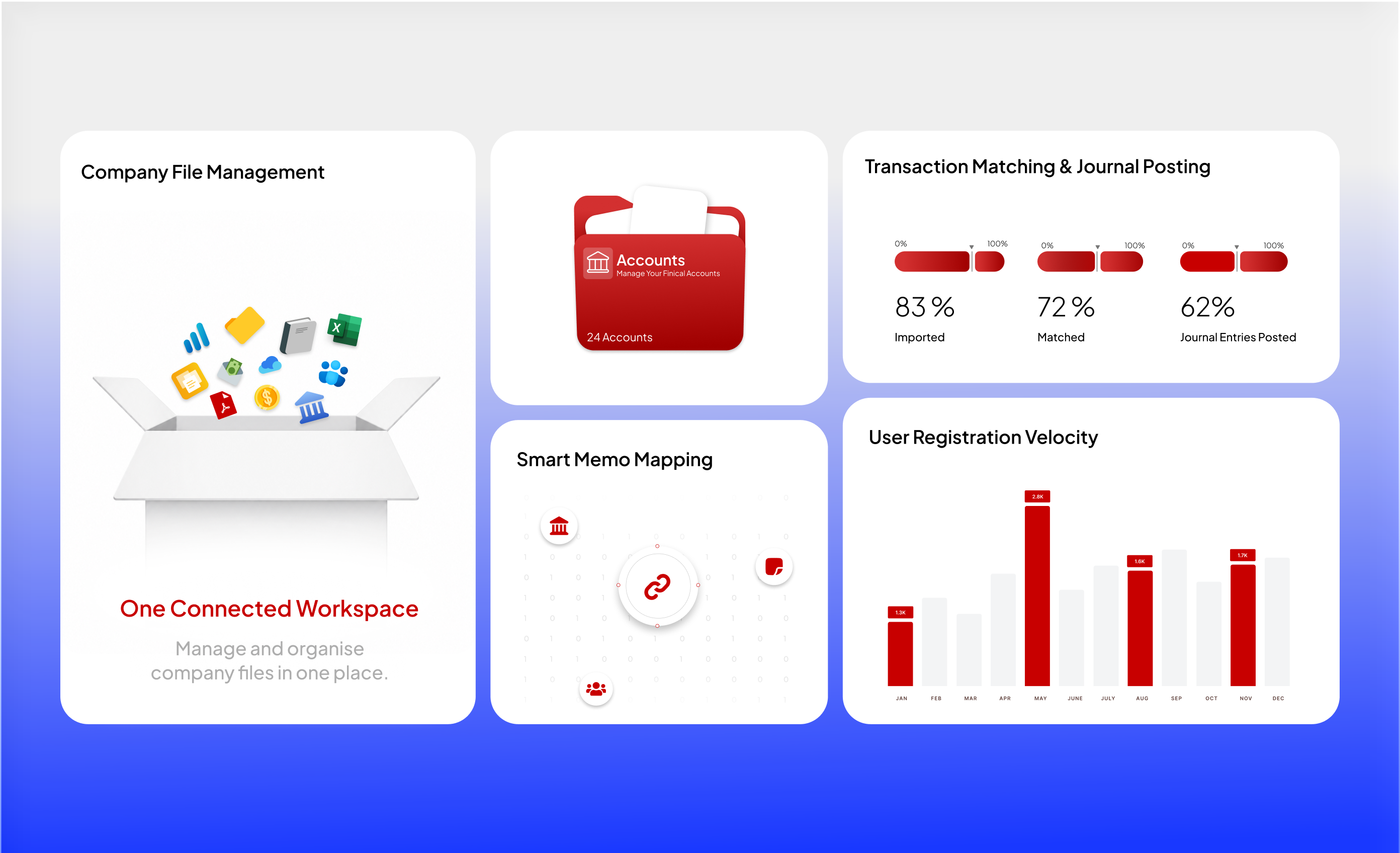
Memo Map 2.0 gives transaction descriptions a structured path to categorisation.
QuickBooks Desktop Connector / United States
A desktop integration connecting statement ingestion, memo-based categorisation and reviewed posting into QuickBooks Desktop.
01 / Understand the business
Transcribing bank-statement data into accounting software creates repeated work. The integration needed to interpret transaction memos, make the proposed posting visible and give unmatched records an explicit review path.
We structured the connector around ingestion, categorisation, preview and posting. Memo Map 2.0 applies transaction rules; unmatched memos are flagged for review before the QuickBooks Desktop SDK connection carries the approved posting forward.
02 / Connect the journey
Bring bank-statement data into the desktop workflow.
Apply memo rules to categorise transactions and identify exceptions.
Inspect the proposed entries and resolve unmatched records before posting.
Send reviewed journal data through the QuickBooks Desktop SDK integration.
A simplified view of the project workflow.
Inside the solution
The transaction source
Categorisation rules
Memo matching · preview · validation
SDK-based journal posting
Unmatched records stay visible
Posting follows review. Unmatched records have their own resolution path.
03 / Design the important details
Memo Map 2.0 gives transaction descriptions a structured path to categorisation.
An unmatched memo is surfaced for review. It is not silently forced into a category.
The preview step gives the accounting team a place to inspect the proposed entry before it reaches QuickBooks.
The engagement
This project concerns a client’s accounting workflow using QuickBooks Desktop. QuickBooks is the integrated platform; this is not a claim that Intuit commissioned or endorsed the engagement.
The TechGy Link perspective
Business analysis and integration engineering meet at the accounting team’s real task. The important design decision is where automation acts and where people review.
We grow alongside our teams, not just service their accounts.

Let’s make it happen
Share the challenge, the people involved and the systems around it. We’ll help shape the right starting point.
Project imagery from TechGy’s client portfolio. Interface figures and sample content are illustrative, not measured business results.